Live TV with a guide
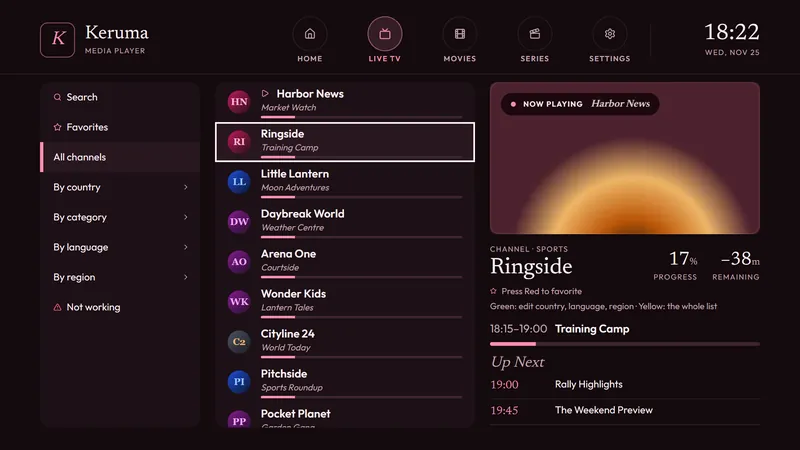
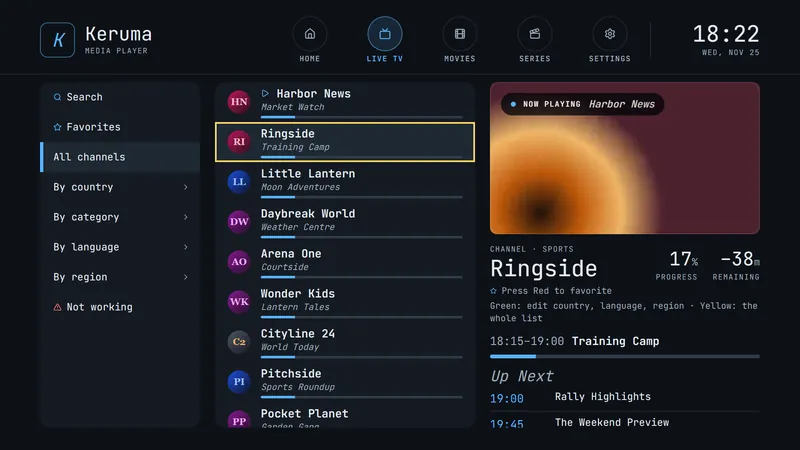
See what is on now and next, with progress bars, from your provider’s guide or an XMLTV link you add yourself.
Free for 7 days, then free for 30 minutes a day
Keruma Media Player turns the playlist you already have (M3U or Xtream) into live TV with a programme guide, movies and series, in an interface made for the remote. Nothing is included and nothing is sold: you bring your own source.
Built for LG webOS TV (webOS 24 or newer). The LG Content Store listing is being prepared.
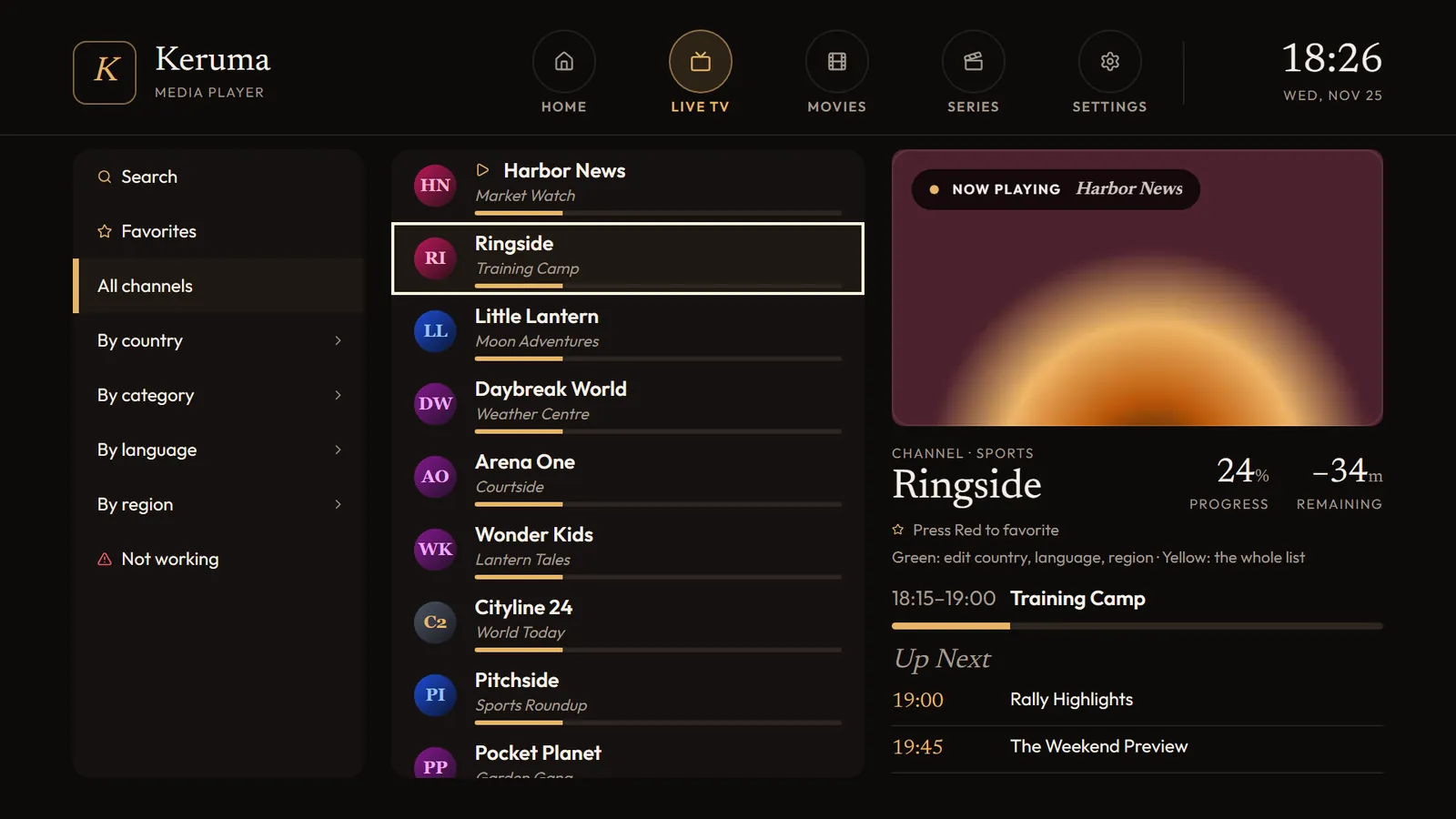
Live TV with now and next. Screenshots show demo content, not real channels.
Features
A calm, fast interface for the big screen. It plays what you add and gets out of the way.
See what is on now and next, with progress bars, from your provider’s guide or an XMLTV link you add yourself.
Poster grids, seasons and episodes, audio and subtitle choice, and a Continue watching shelf that remembers where you stopped.
Search, favourites, and browsing by country, category, language or region. Correct a wrongly labelled channel yourself.
Every screen works with the arrow keys and OK. Large type you can read from the sofa, and pointer mode for the Magic Remote.
Lock categories behind a PIN and hide the groups you never watch, so the list only shows what you want.
English, Arabic (right to left), French and German. Six themes, including a Ramadan theme with prayer times on the Home screen.
Screenshots
Real screens from the app, running on demo content.
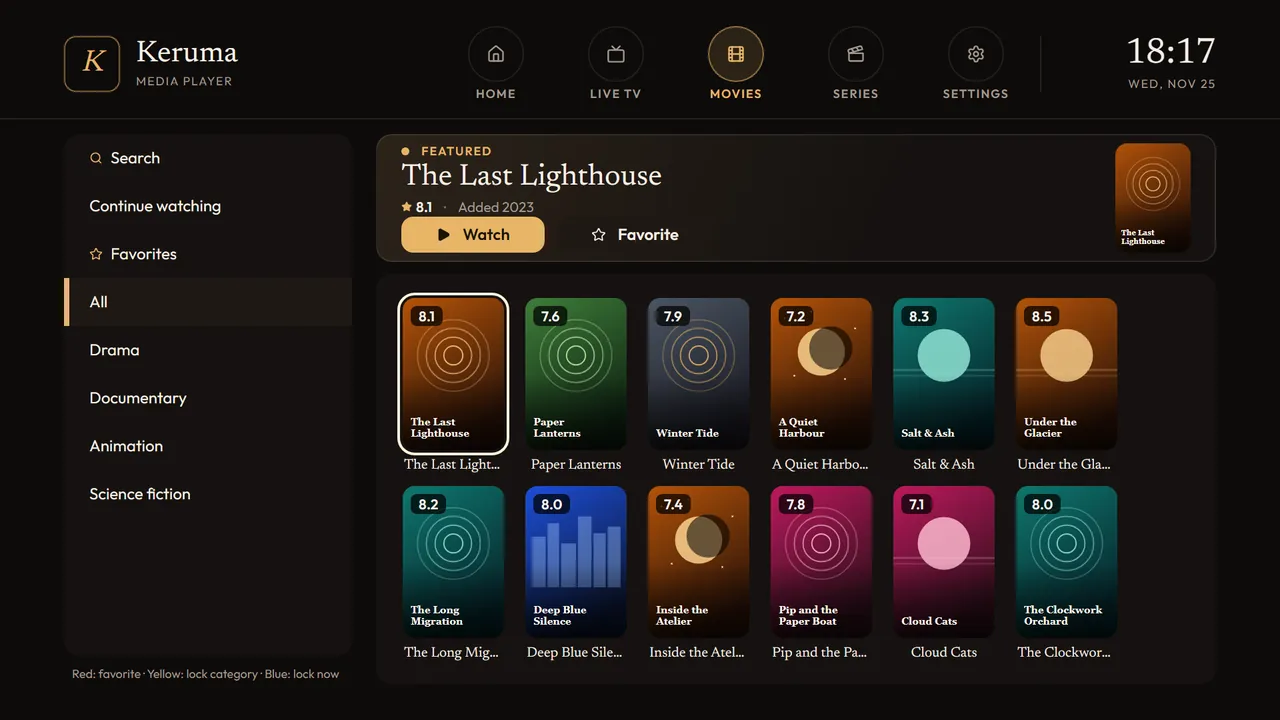
Poster grids with ratings, categories and a featured title.
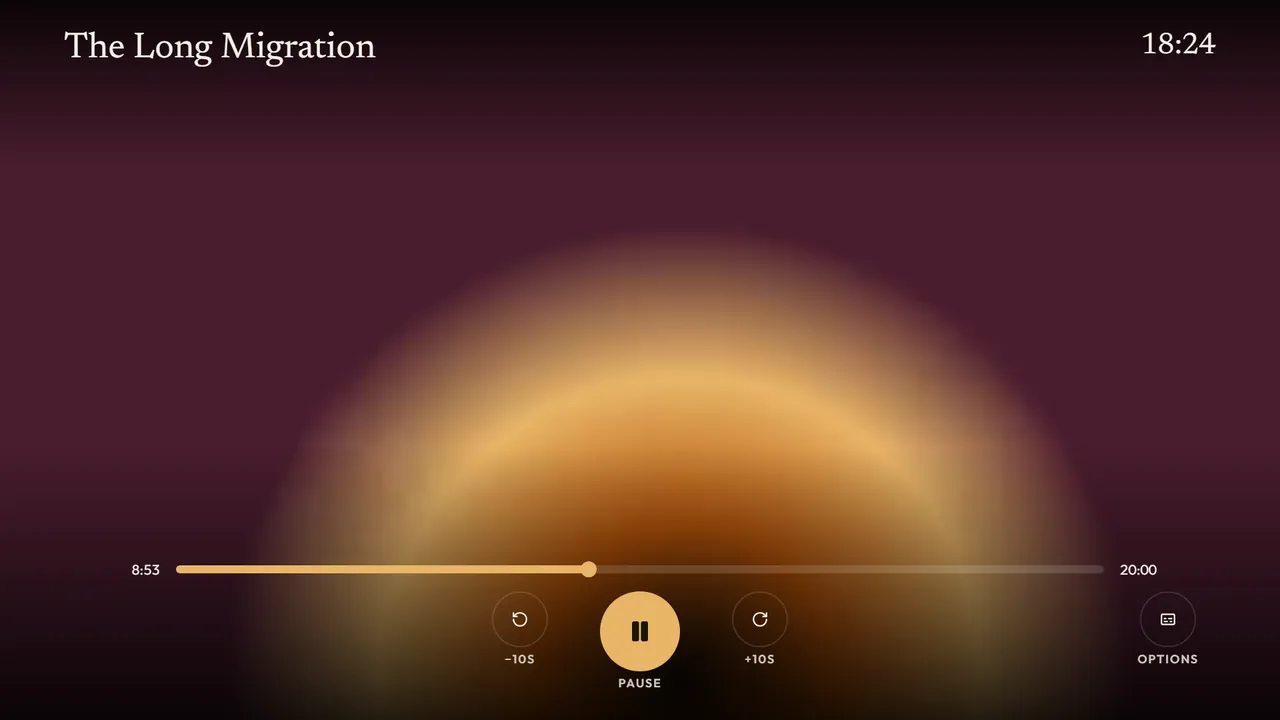
Scrub, skip, pick audio and subtitles, change the aspect ratio.
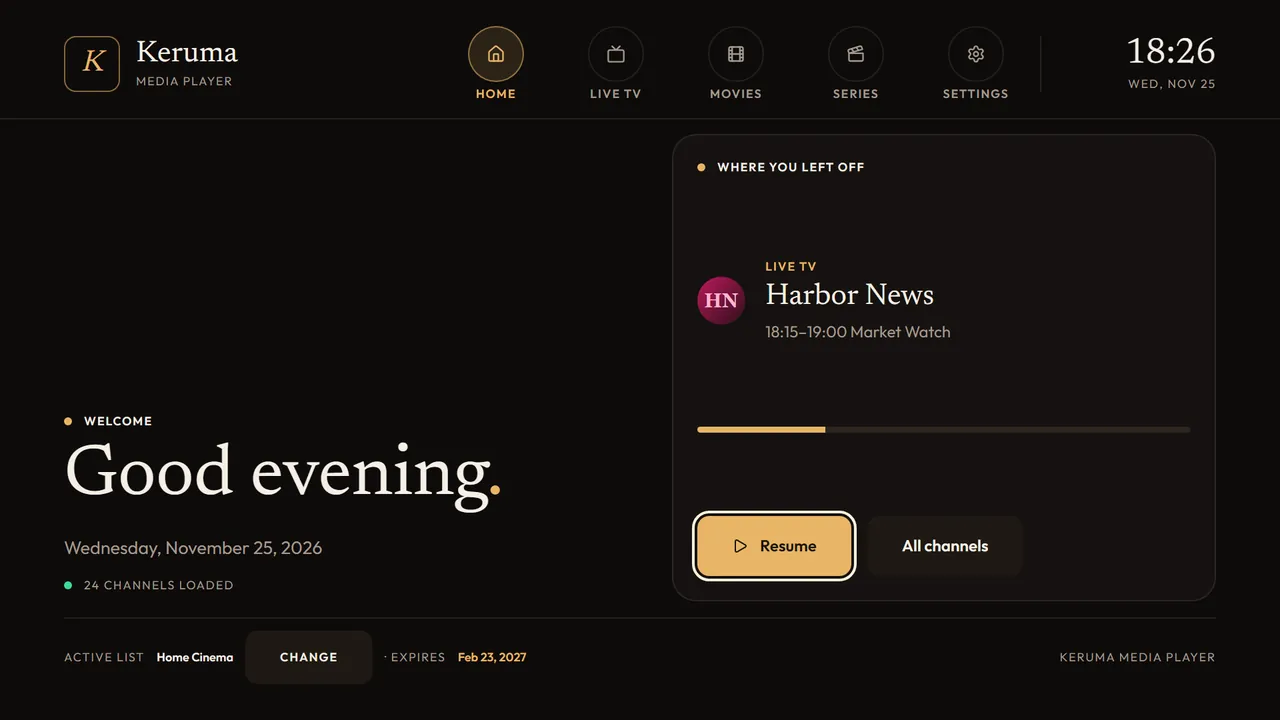
Pick up where you left off with one press of OK.
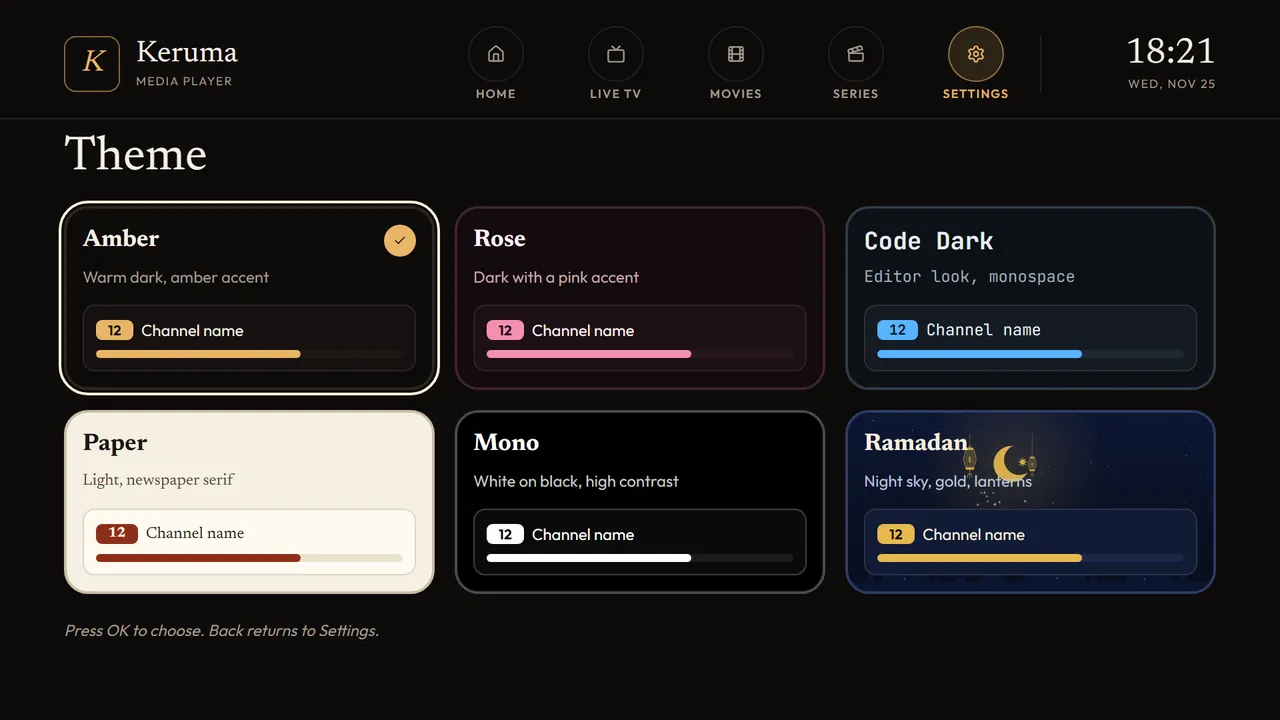
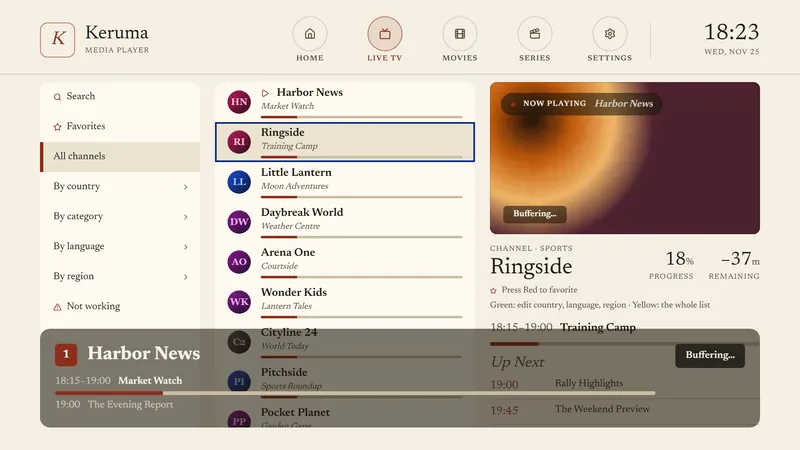
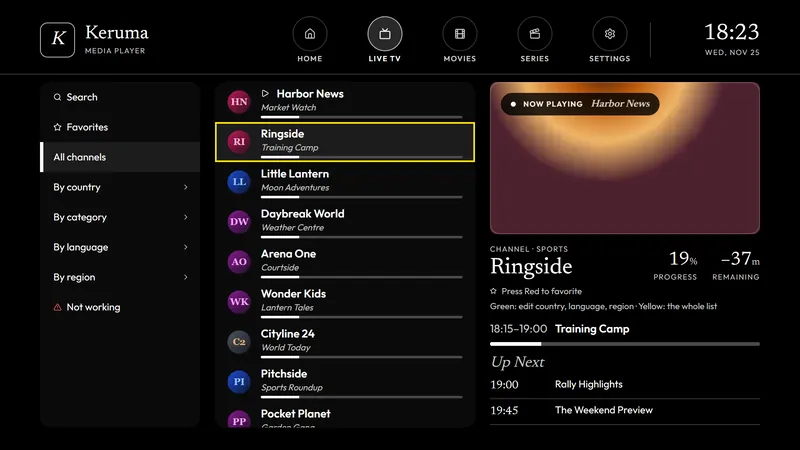
From warm amber to paper-light and high-contrast mono.
How it works
No account, no card, no catch. The week starts when you open the app for the first time.
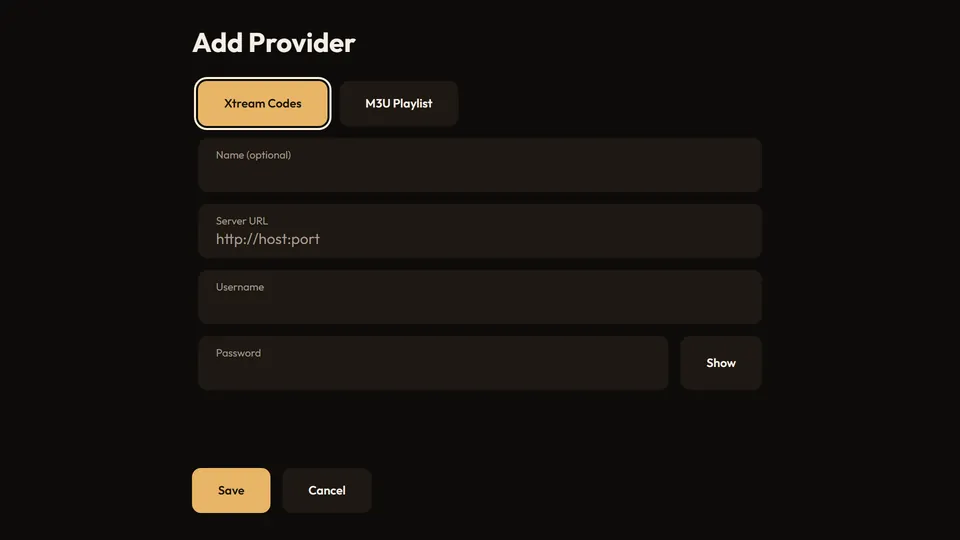
The app starts empty. Enter your Xtream login or M3U link and it downloads the list and the guide to your TV.
The full version, no limits. After the week the app stays free to use for 30 minutes of playback a day.
Settings › Activate shows a QR code. Scan it, pay once, and the key arrives by email. Type it into the app and the daily limit is gone.
Your language, your look
Six themes and four languages, including a full right-to-left layout in Arabic.
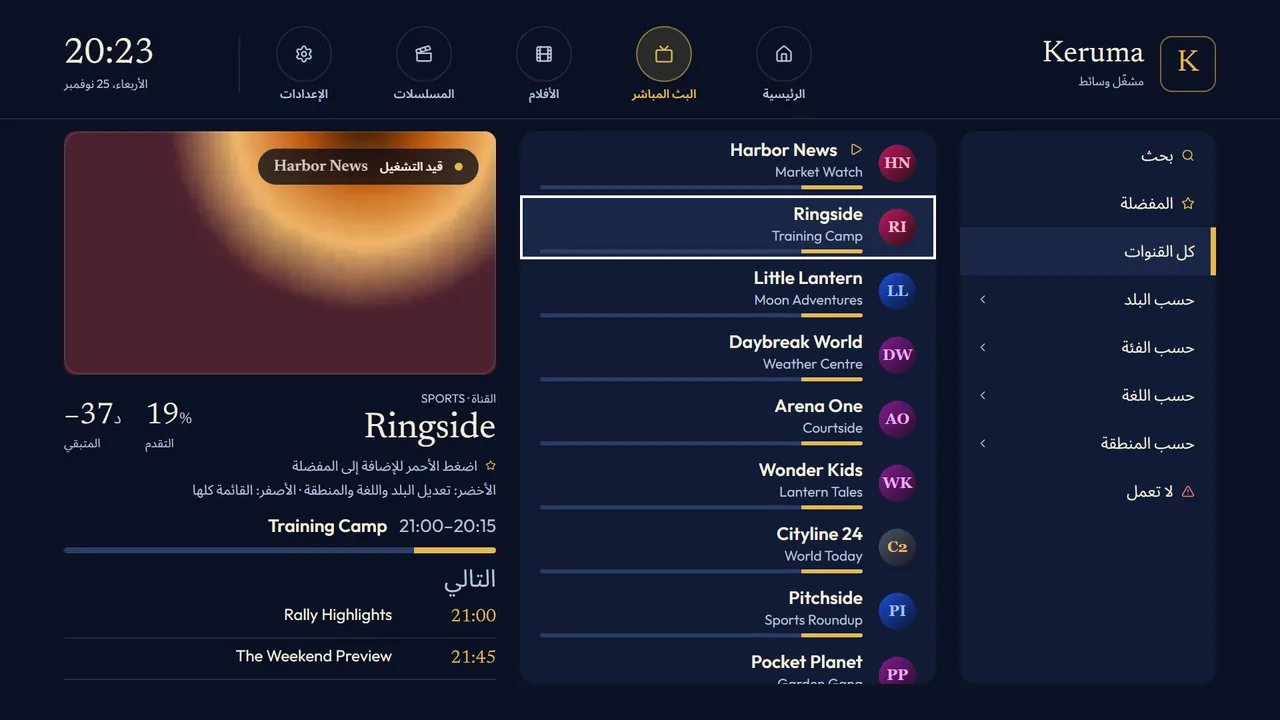
The interface follows your TV’s language, or you pick one. In Arabic the whole layout mirrors for right-to-left reading.
The Ramadan theme adds a night sky, lanterns and a prayer-times card to the Home screen, calculated on the TV for the city you choose.
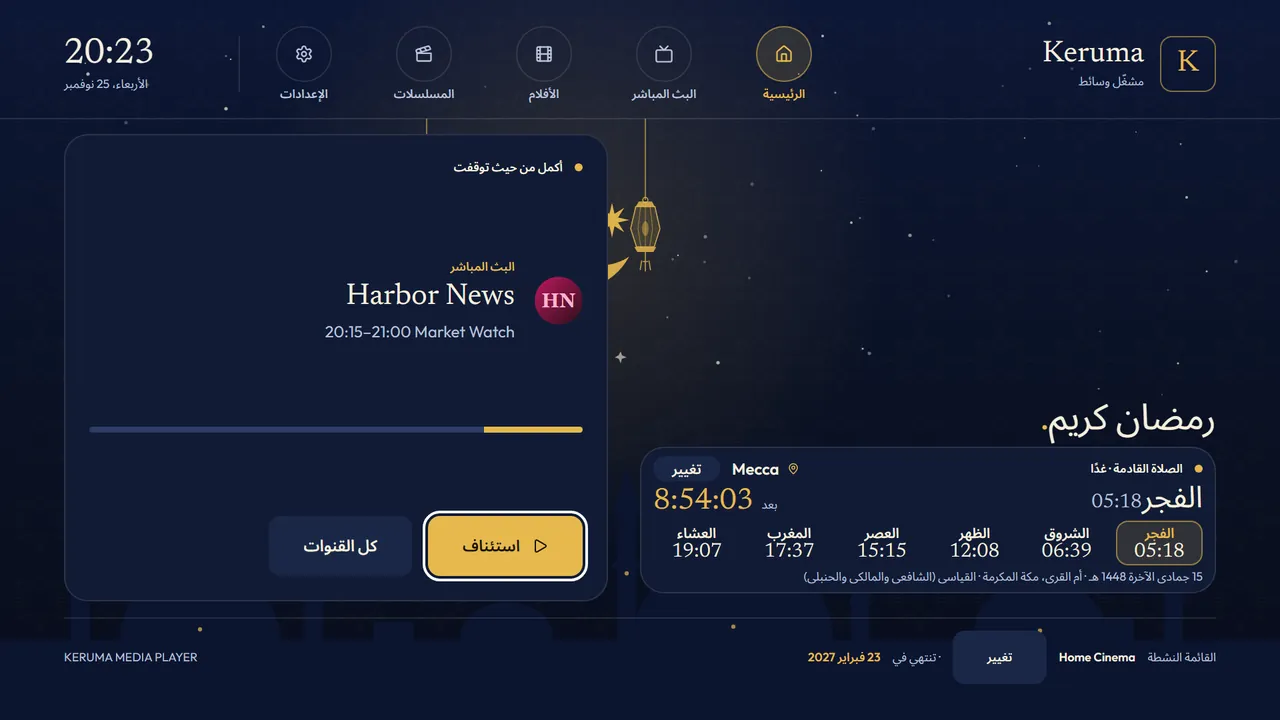
The Ramadan theme, in Arabic.
Player only
Keruma Media Player contains no channels, streams, playlists or logos, and it has no catalogue. On first start it is empty: you add your own source.
We do not sell, host, resell or recommend any streams, and a licence is never sold together with content. Use sources you have the right to use.
Platform
Needs webOS 24 or newer. TVs from 2022 can reach it through LG’s webOS Re:New software update; 2021 and older TVs, and 2022 or 2023 sets that have not been updated, are not supported. Check your TV’s webOS version in its system settings.
Other platforms are not available yet.
LG, LG Content Store and webOS are trademarks of LG Electronics, Inc. Keruma Media Player is not affiliated with or endorsed by LG.
Pricing
No subscription, no account, no ads. Start for free and unlock when you are sure.
€0
for as long as you like
The 7 days start the first time you open the app.
€9.99per TV
VAT included where it applies
Software licence only. We do not sell channels, streams or subscriptions. Payment is handled by Stripe and its affiliate as merchant of record (the checkout says “Sold through Link”). One licence unlocks one TV. See the Terms and Privacy policy.
FAQ
No. Keruma Media Player is an empty player. You add a playlist from a source you have the right to use. We do not provide, sell, host or recommend any streams.
M3U or M3U8 links and Xtream logins (server address, user name, password). If your M3U has no guide, you can add an XMLTV guide link yourself.
The app keeps working, with playback limited to 30 minutes per day. Unlock it once to remove the limit. Nothing is deleted and your settings stay as they are.
No. It is a one-time payment of €9.99 for one TV.
LG webOS TVs with webOS 24 or newer (webOS 24, 25 and 26). TVs from 2022 can reach webOS 24 through LG’s Re:New update. TVs from 2021 and older are not supported.
A licence unlocks one TV, identified by its Device ID. For a second TV, buy a second licence.
On the TV open Settings › Activate. It shows your Device ID and a QR code. Scan it, pay on the secure checkout, and the key arrives by email. Type the key into the app. There is nothing else to install and nothing to sign in to.
Your playlists and settings stay on your TV. When you buy, your Device ID and email address go to our activation server and to the payment provider, and nowhere else. The details are in the Privacy policy.
Yes. Within 30 days of the purchase you can ask for a full refund without giving a reason: write to support@keruma.app. Your statutory rights are in the Terms.
English, Arabic (right to left), French and German. It follows the TV’s language, or you choose one in Settings.
Ready when you are
Add your playlist, watch with everything unlocked for a week, and decide later.